You are managing your church roster through WhatsApp, spreadsheets, and memory. People forget they are serving. You spend your week sending reminders instead of preparing for Sunday. There is a better way.
Sound familiar?
You sent a WhatsApp message on Monday. Two people replied. You sent another on Wednesday. One person said they cannot make it but did not say who could replace them. Now it is Thursday night and you are scrolling through old messages trying to figure out who is on sound, who is on welcome, and whether anyone remembered to tell the new volunteer they are rostered for kids ministry.
Messages get buried. People read them and forget. You end up sending the same reminder three times to three different group chats.
You have a Google Sheet somewhere with names and dates. Half the columns are outdated. Nobody else knows how to read it.
You keep half the roster in your head. Who served last week, who is away this month, who said they would swap with someone. It is exhausting.
How it works
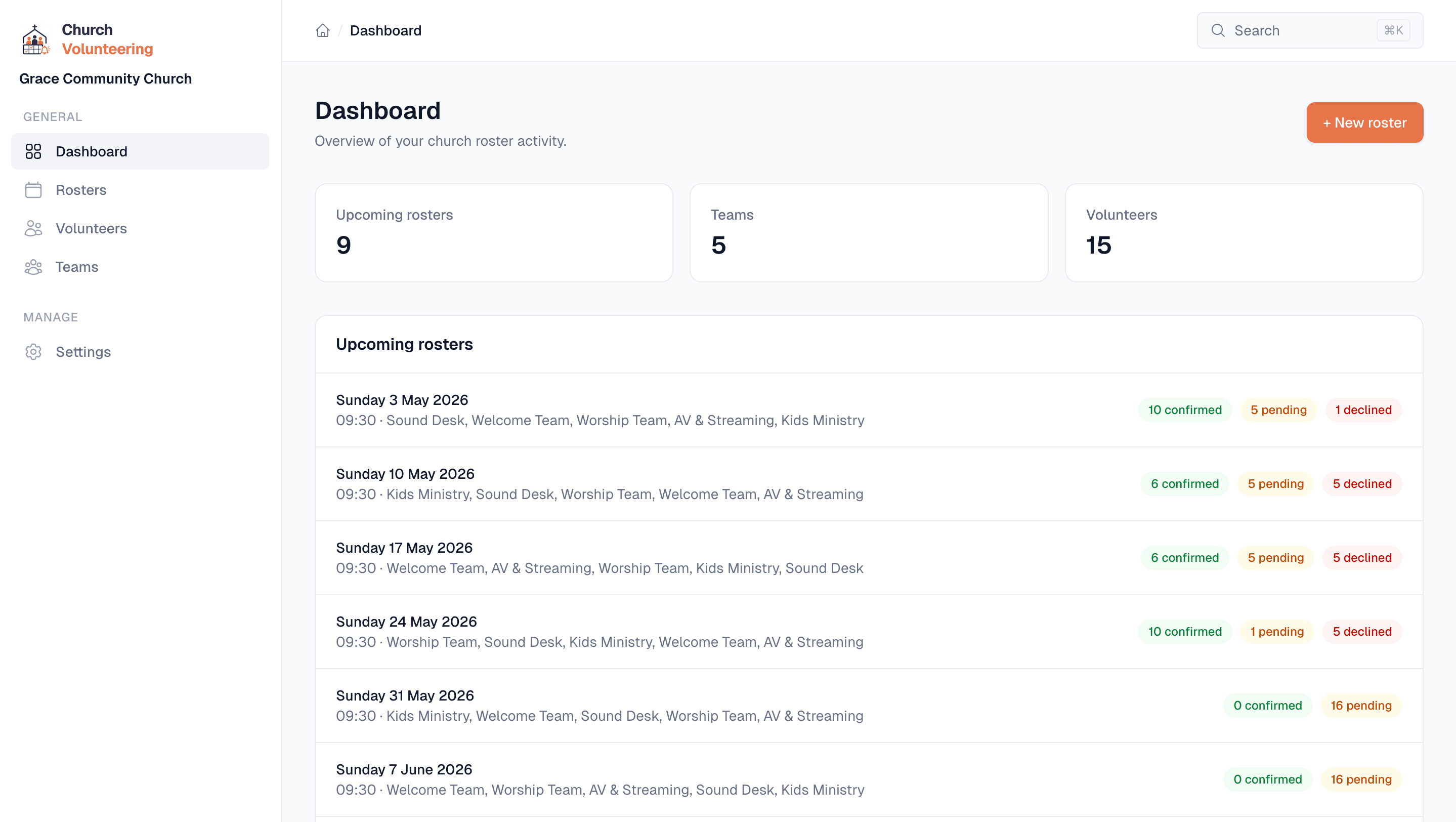
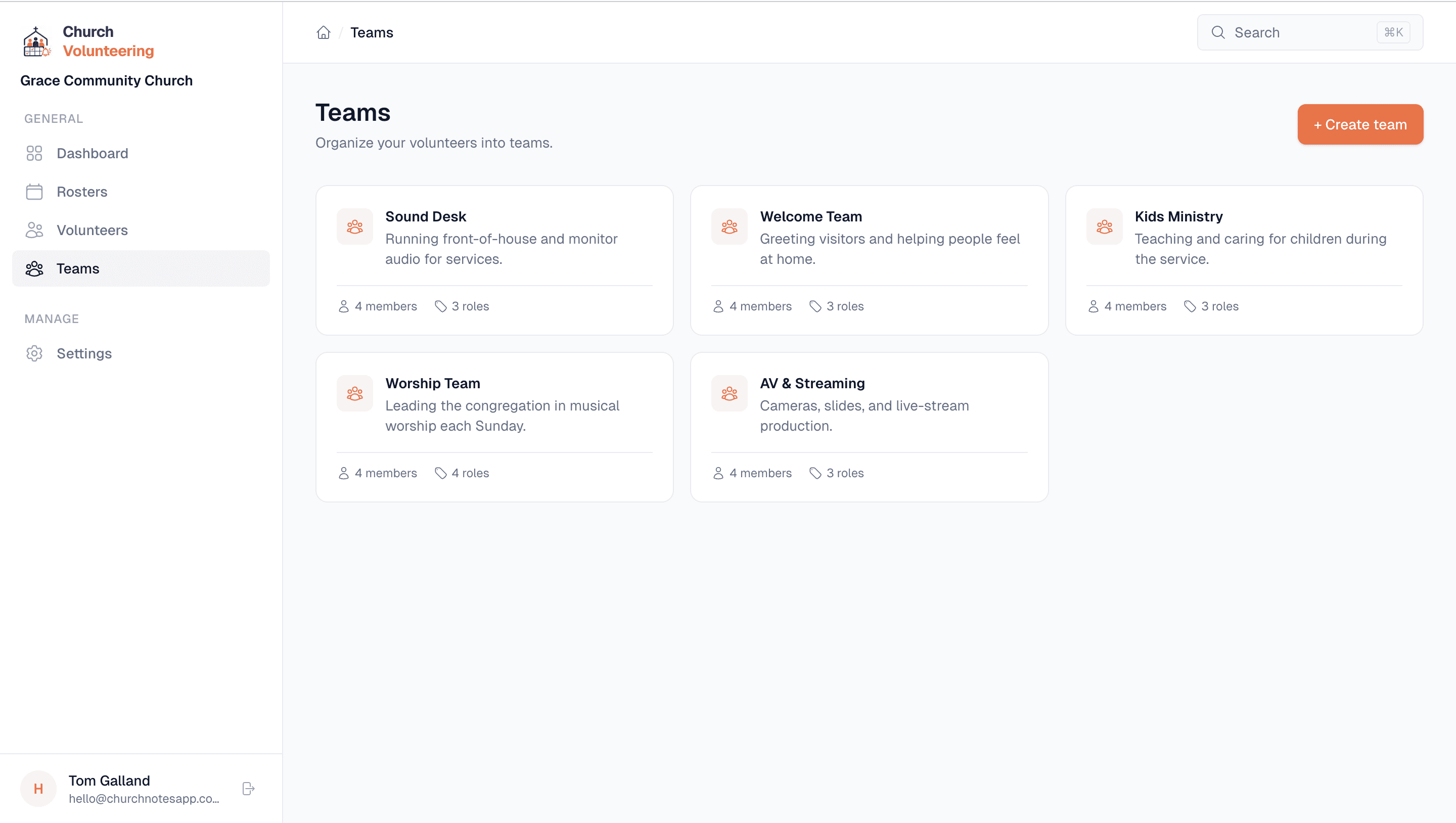
Add your volunteers with their name and email. Create teams like Sound Desk, Welcome Team, Kids Ministry, or Parking. Assign people to teams. One volunteer can be on multiple teams. That is the setup done.
Each team has named roles so you know exactly who is doing what. FOH Engineer, Monitor Engineer, Tech Director. Whatever your team needs.
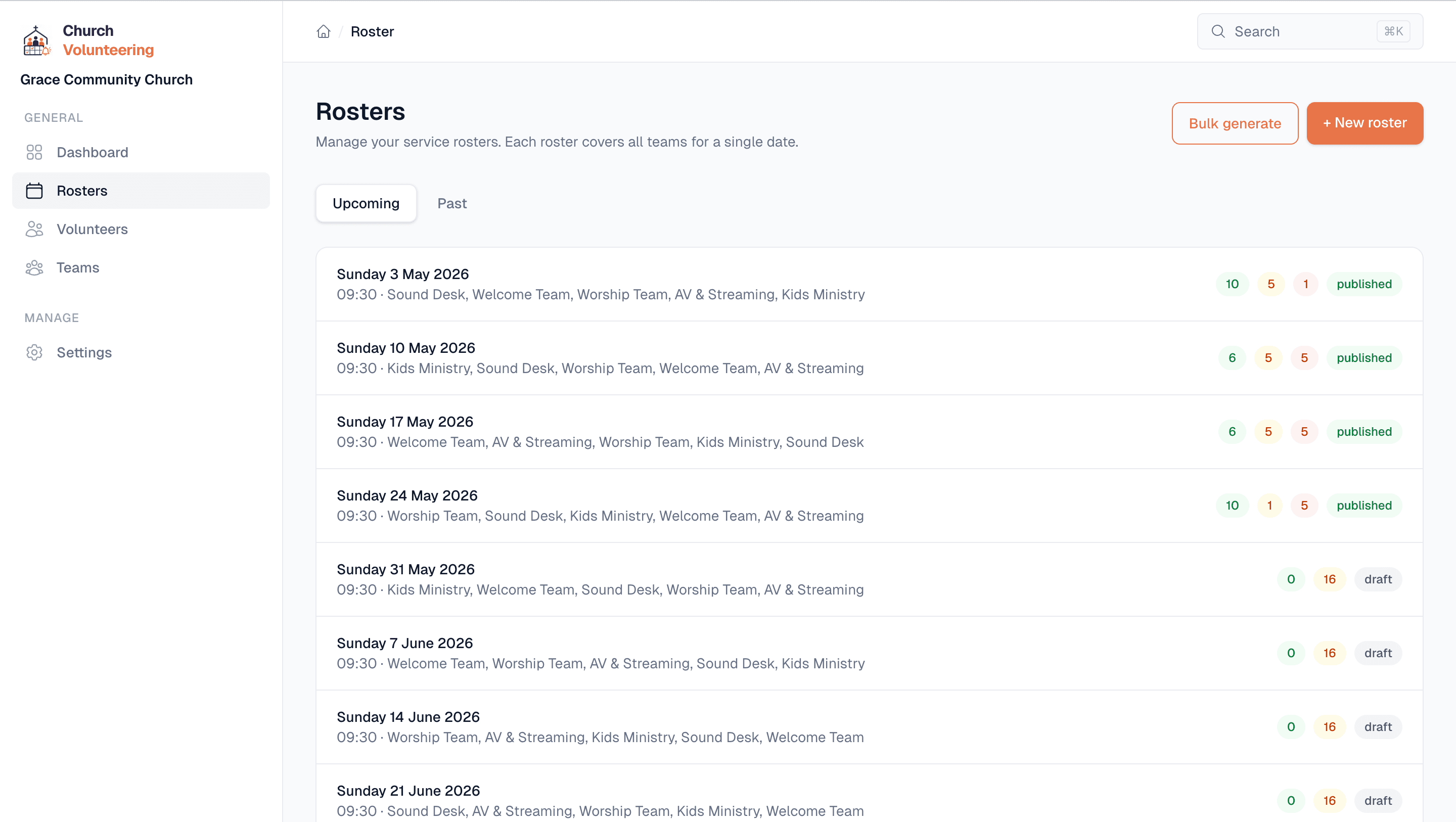
Pick a date, pick a team, assign volunteers to roles. You can see who is available and who is not. Build a full Sunday roster in a few minutes instead of spending your evening on it.
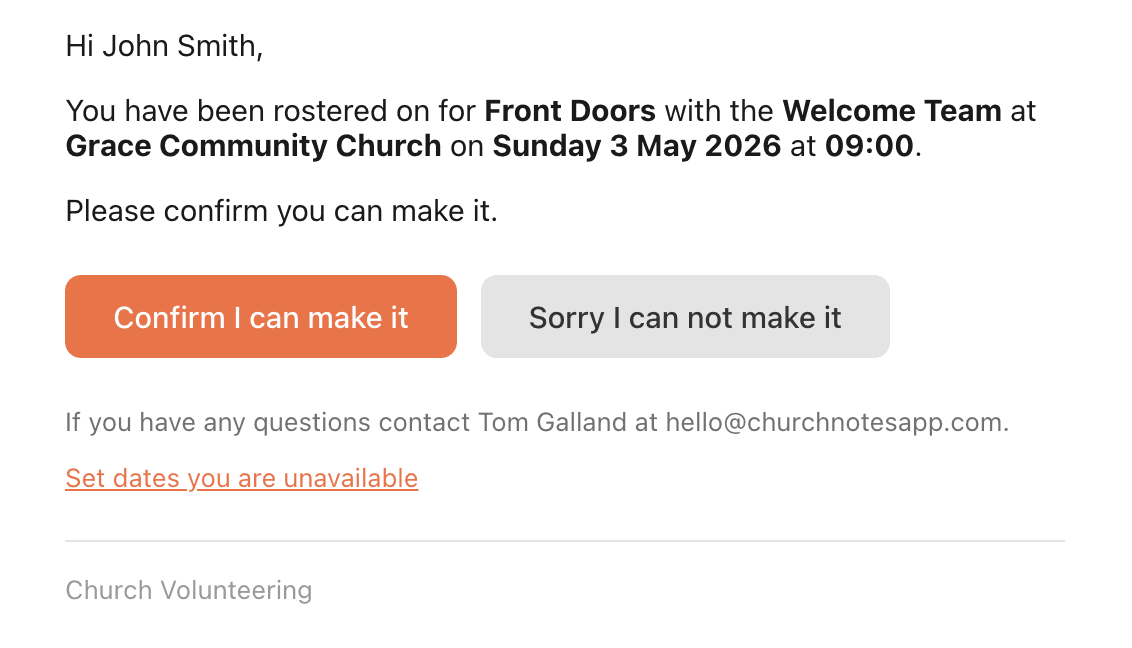
Once you publish, every volunteer gets an email with their role, date, and time. They do not need to check a spreadsheet or scroll through a group chat.
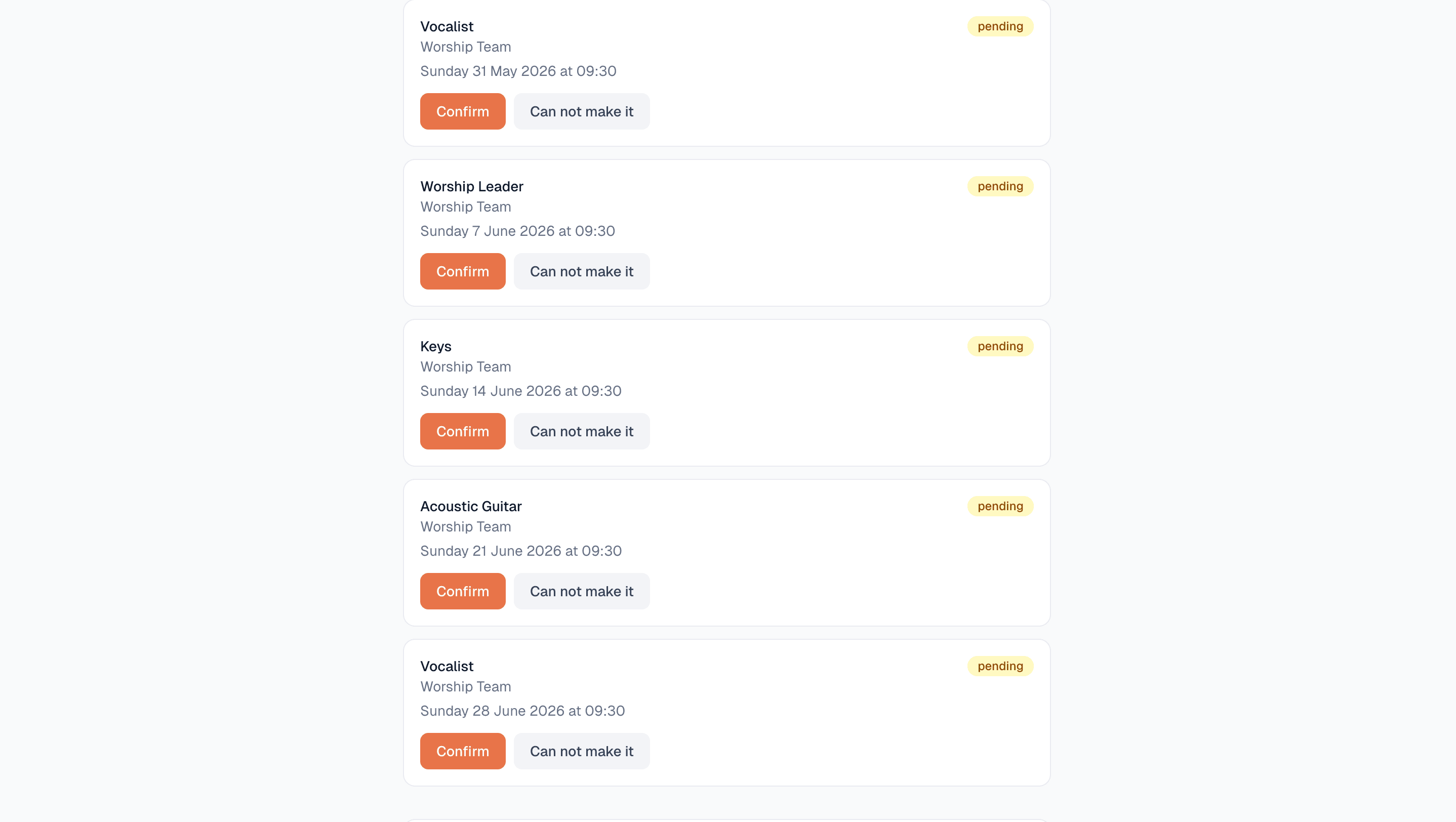
Volunteers get an email with two buttons: confirm or decline. One click. No login, no app download, no account needed. You see the response on your dashboard instantly.
Reminders go out automatically 3 days before and the day before. If someone declines, you get notified so you can find a replacement. No more chasing.
Features
Not a generic project management tool. Not a corporate HR system. This is built specifically for the volunteer coordinator at a church who just wants Sunday to run smoothly.
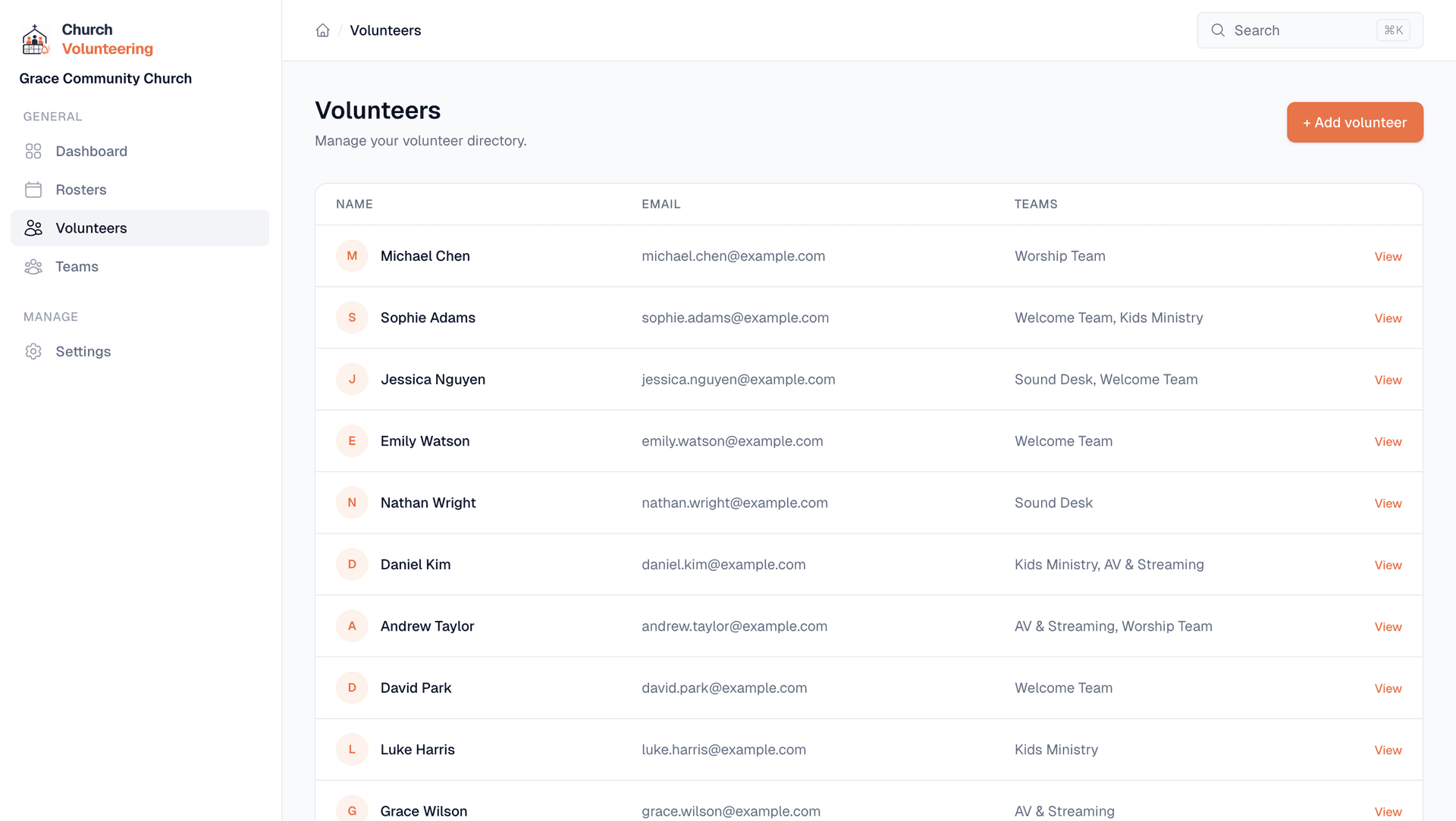
All your volunteers in one place. See which teams they serve on, when they last served, and how often. No more digging through contacts or old messages to find someone's email.
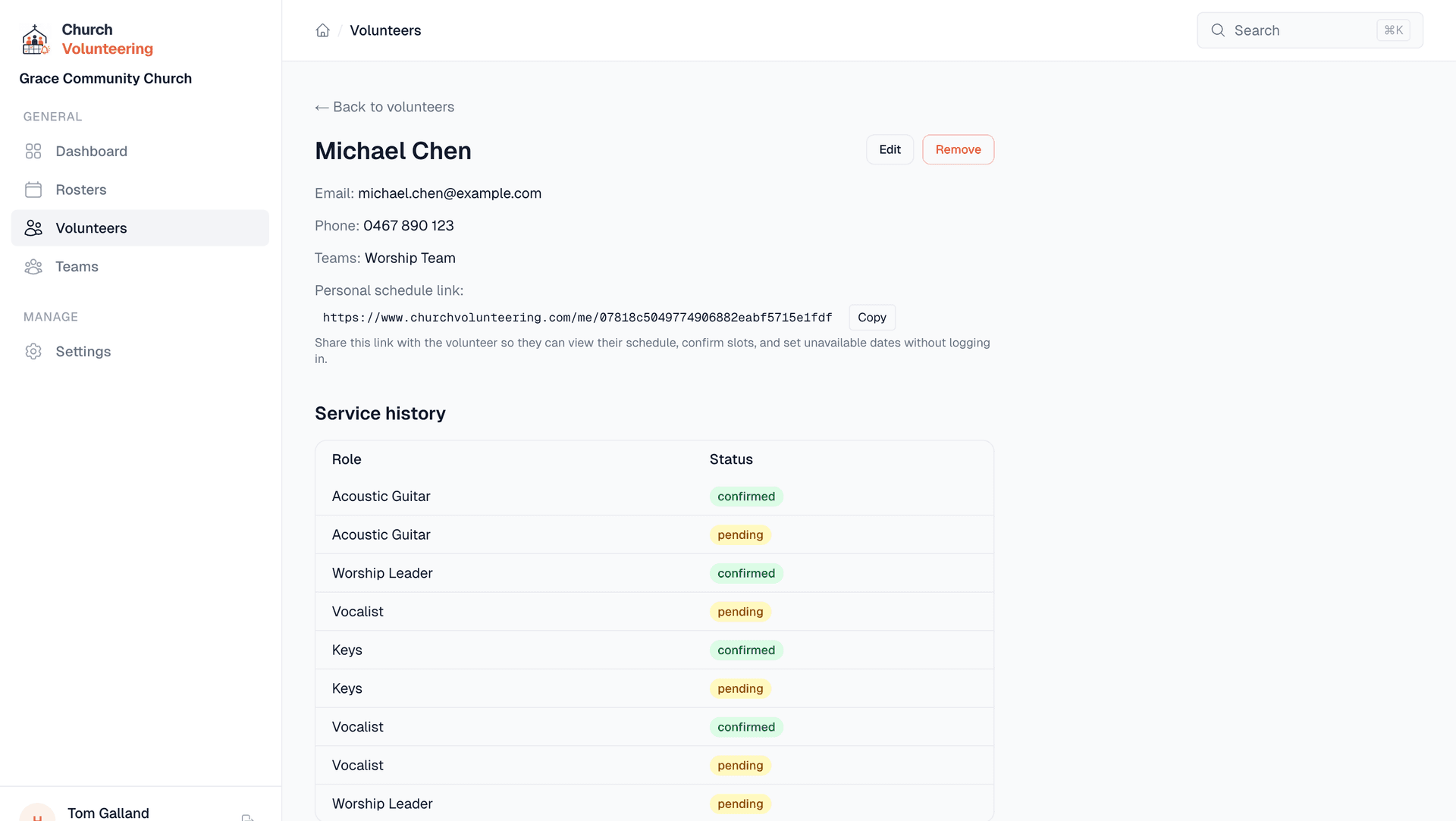
Each volunteer has a profile showing their teams, service history, and upcoming roster slots. See at a glance if someone has been serving every week or has not been on in months.
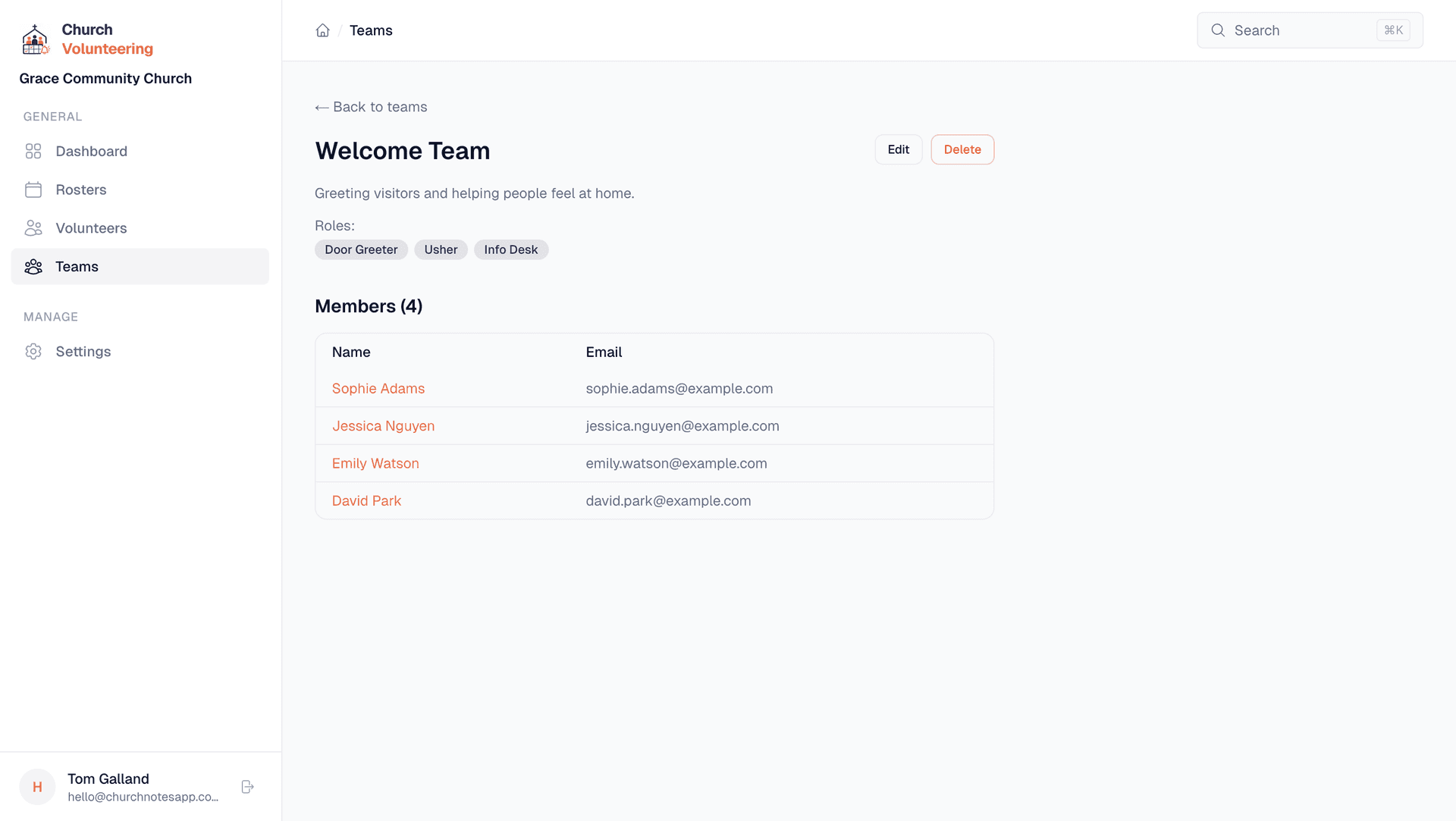
Create teams with named roles. Sound Desk might have FOH Engineer, Monitor Engineer, and Tech Director. Welcome Team might have Door Greeter and Info Desk. You define what makes sense for your church.
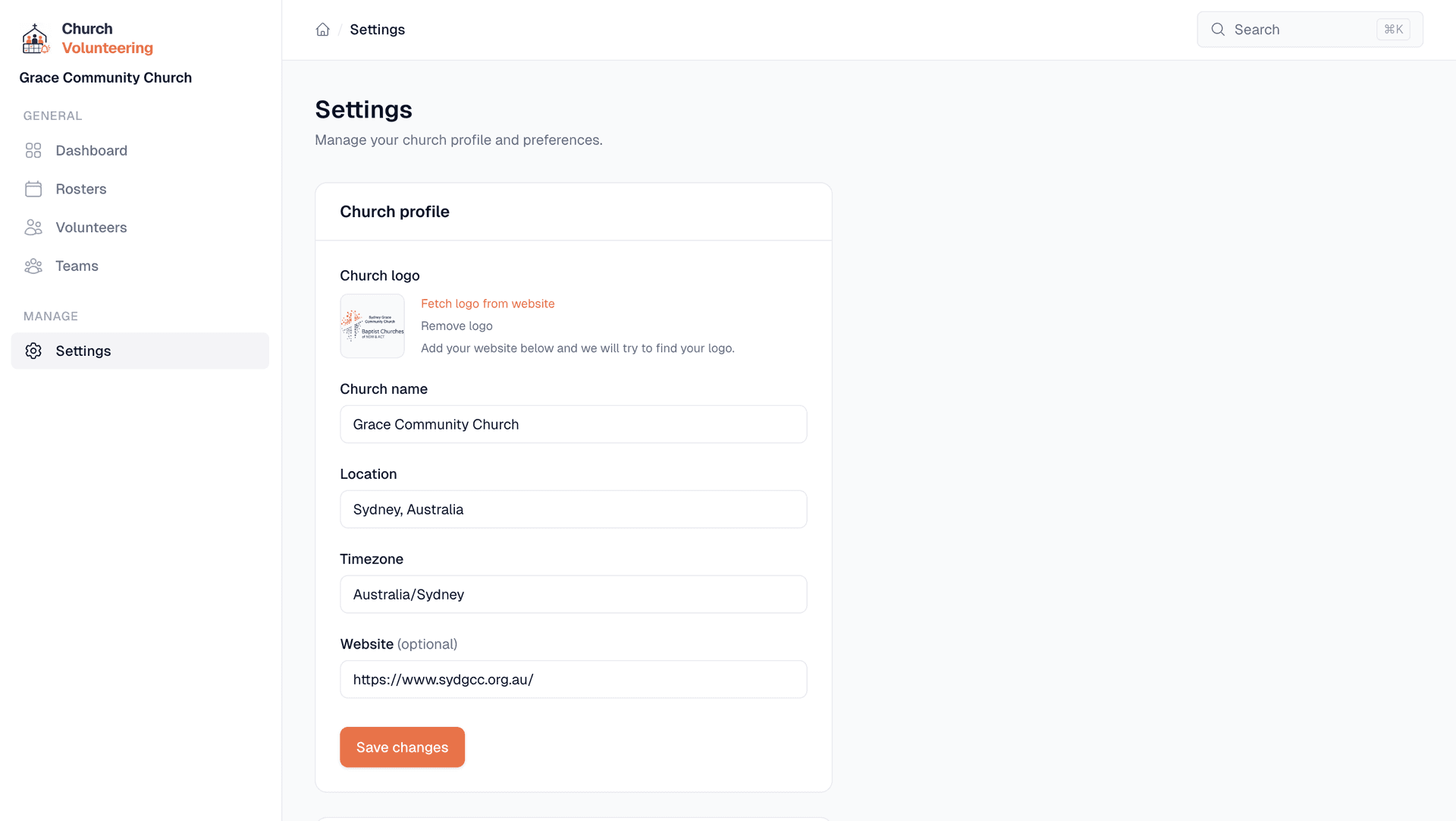
Set your church name, location, timezone, and service times. Upload your logo so emails to volunteers look like they come from your church, not some random app.
The volunteer experience
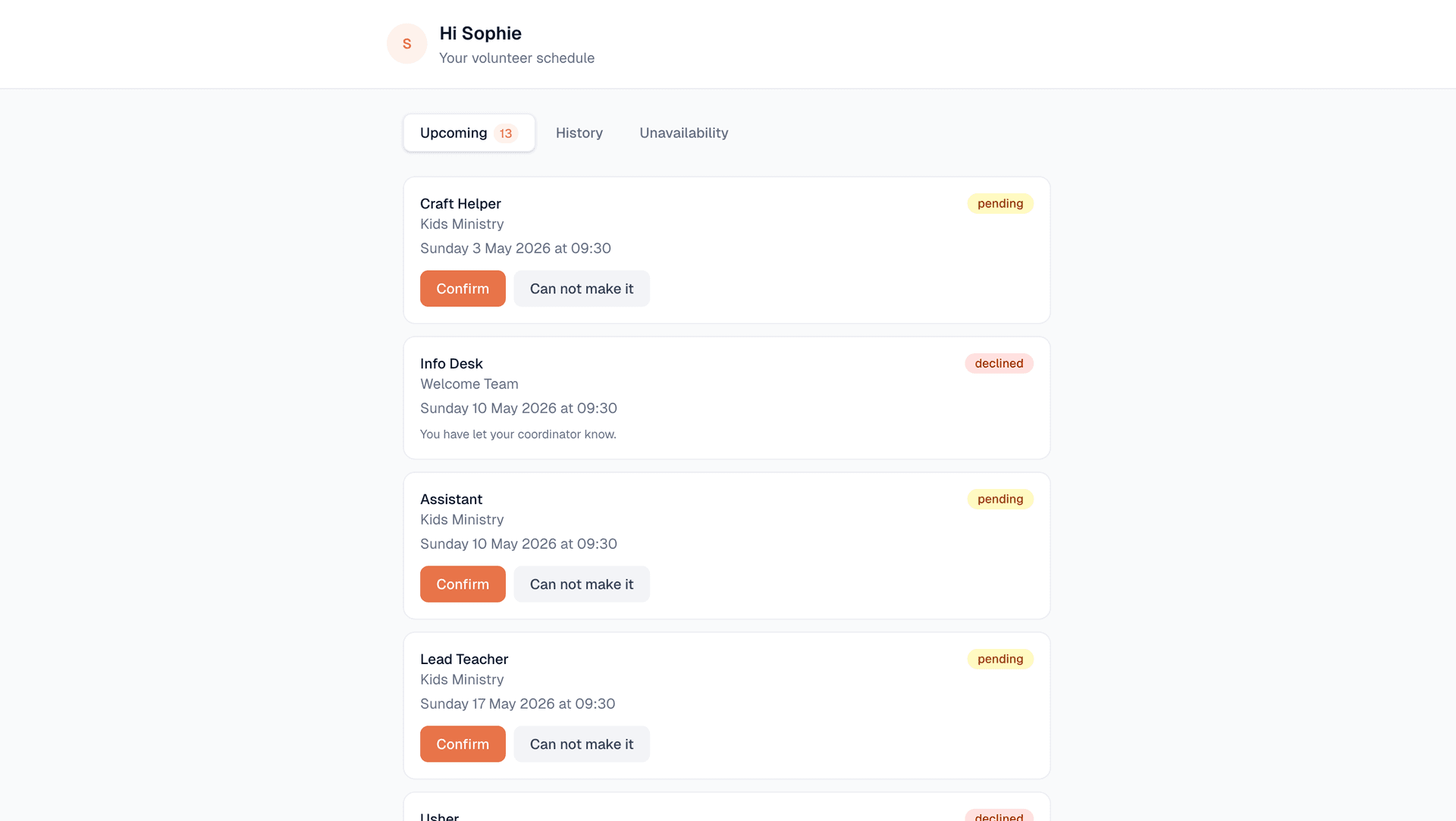
No app to download. No account to create. No password to remember. When someone is rostered, they get an email. They click confirm or decline. Done.
Who it is for
You might only have 2 or 3 teams and a dozen volunteers. You do not need a complex system. You need something that sends reminders and tracks who said yes. The free plan covers this.
You have multiple teams, rotating rosters, and volunteers who serve across different ministries. You need to see the big picture and make sure nobody is overloaded. The Standard plan is built for this.
You are the person who actually builds the roster every week. You are the one sending the messages, chasing the replies, and finding last-minute replacements. This tool is built for you specifically.
You are leading the church and also managing the volunteers because nobody else has stepped up yet. You do not have time for a complicated system. You need something you can set up in 10 minutes.
Pricing
Start free. Upgrade when you need automated reminders.
For growing churches
For larger churches
Set up your church in 10 minutes. Add your volunteers. Build your first roster. Free, no credit card required.
Get started free